 MedAssistant
Calendar
Calendar overview
Agenda, online booking, pre-visit questionnaire, syncing and invoices.
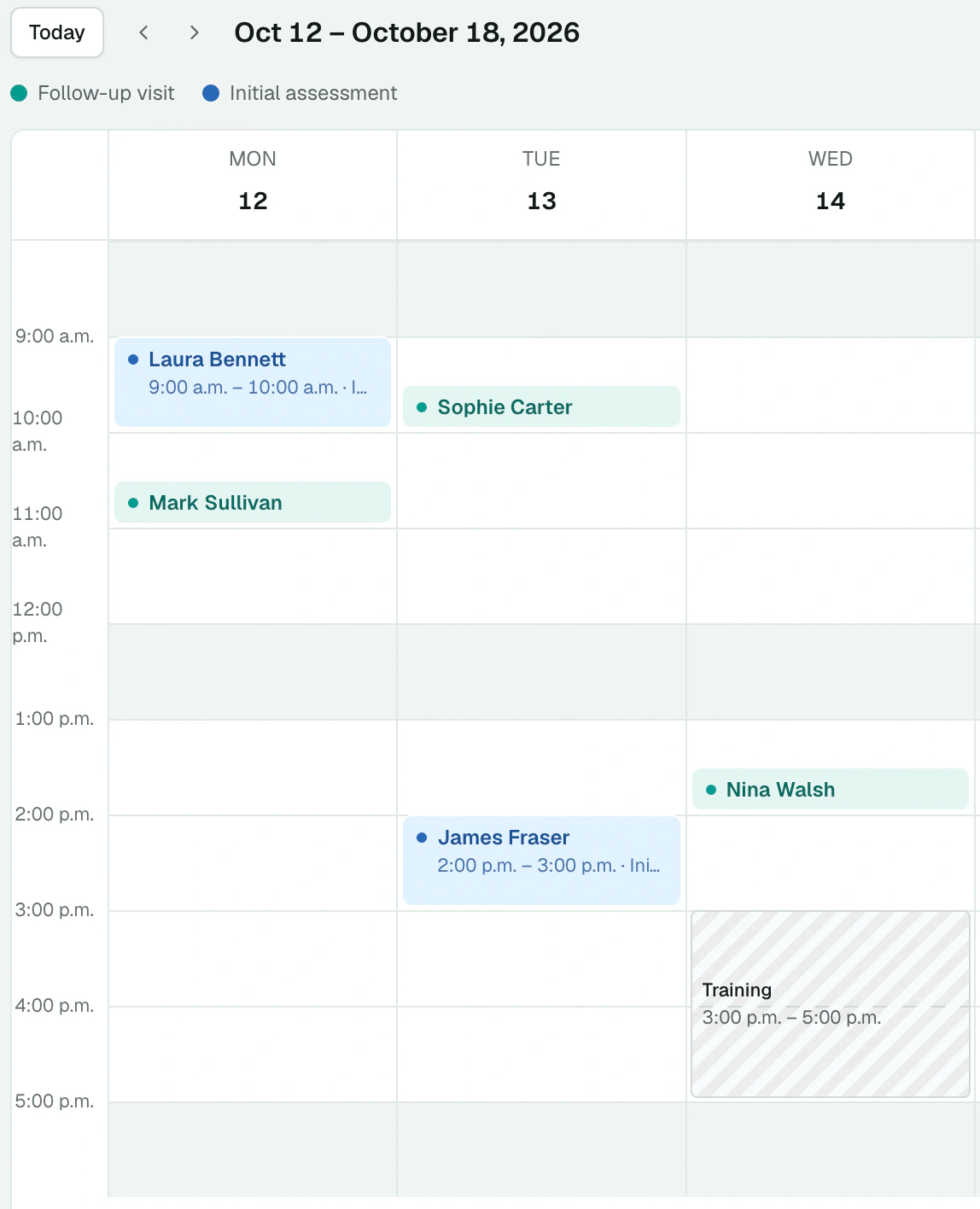
The calendar brings together your appointments, online booking, the pre-visit questionnaire, syncing with your calendar and your invoices. Open it with Calendar in the sidebar (Professional role).
The tabs
| Tab | For |
|---|---|
| Agenda | See, create and edit your appointments; block time. See Agenda and appointments. |
| Availability | Set your working hours for booking. See Working hours and services. |
| Services | Create the types of appointments you offer. |
| Booking and sync | Open online booking and sync your calendar. See Online booking and Sync. |
| Invoices | Issue and send your invoices. See Invoices. |
Open online booking
As long as online booking is closed, the agenda shows the Open online booking card, with three steps:
Set your working hours, in Availability.
Create a service offered online, in Services.
Turn on your booking link, in Booking and sync.
Good to know
- Each professional has their own calendar and booking link, in each organization. Only that professional manages it.
- Times follow Eastern Time (Montreal, Toronto).
- The calendar is only available in the new interface.
- An invoice is a document: it doesn't include online payment.