 MedAssistant
Calendar
Sync with your calendar
Show your MedAssistant appointments in Google Calendar, Apple Calendar or Outlook.
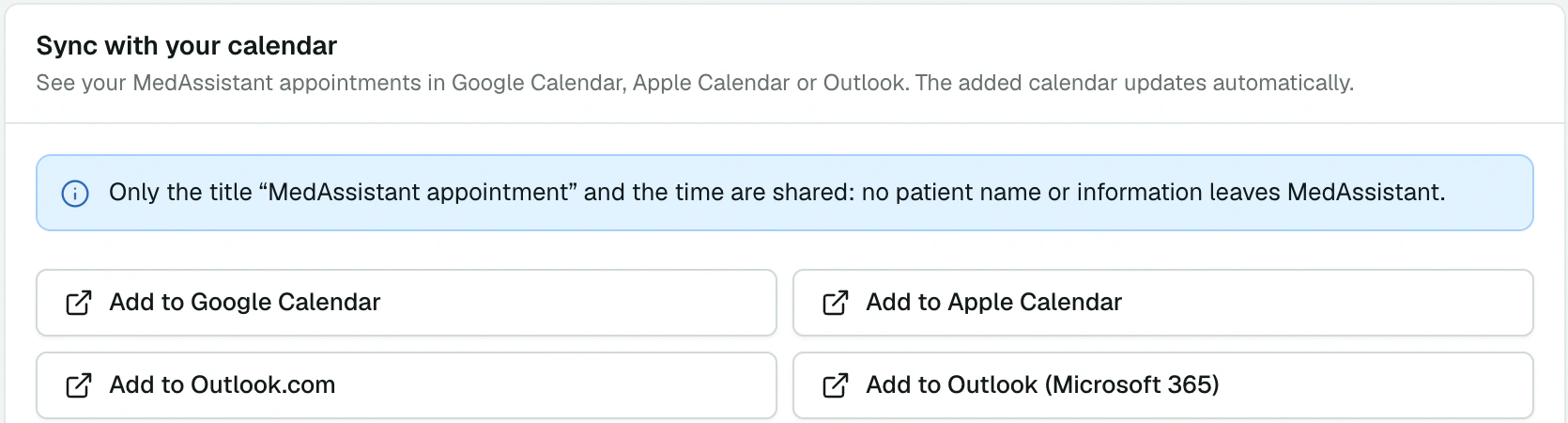
In Booking and sync, the Sync with your calendar card subscribes your usual calendar to your MedAssistant appointments.
Subscribe
Choose your calendar:
- Add to Google Calendar;
- Add to Apple Calendar;
- Add to Outlook.com;
- Add to Outlook (Microsoft 365).
For another calendar, copy the Subscription address and add it as a calendar from URL (iCal) in your app.
What is shared
Only the title “MedAssistant appointment” and the time are shared: no patient name or information leaves MedAssistant. The feed covers the last 30 days and the coming year. Each calendar app refreshes its subscriptions at its own pace: a change may show up there a few hours later.
Good to know
- Syncing goes one way: your other commitments in Google or Outlook don't block your slots. For an absence, use Block time.
- New address replaces the subscription address: the old one stops working. Do this if the address was shared by mistake.