 MedAssistant
Writing modes
Auto, Fast or Thorough — choose between speed and accuracy, by default or for a single recording.
Each mode hands the writing of the note to a different AI model. Transcription, on the other hand, takes the same time in every mode.
| Mode | When to choose it |
|---|---|
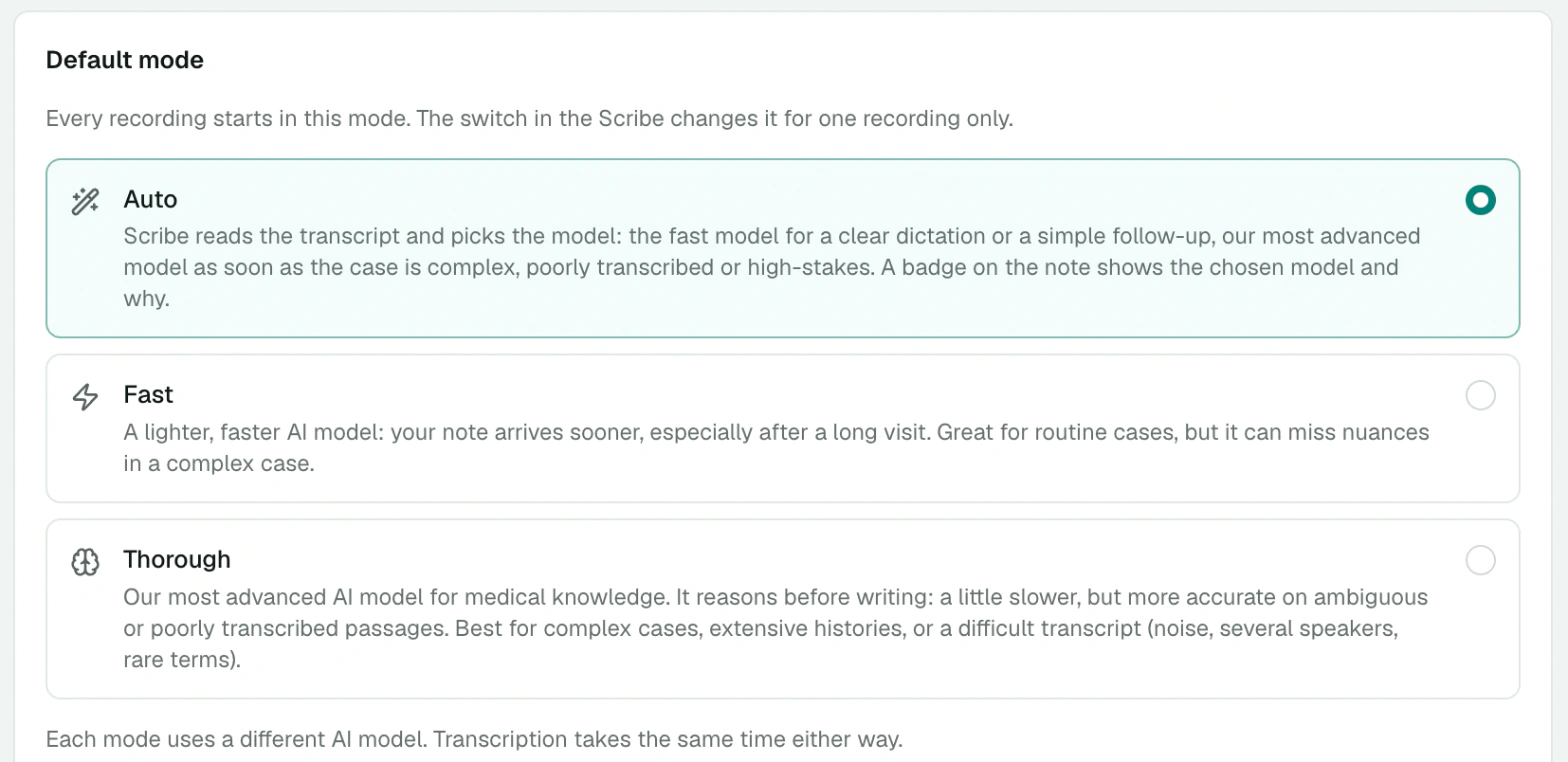
| Auto | The Scribe reads the transcript and picks the fast or thorough mode itself, based on the visit. It is the best everyday choice. |
| Fast | A lighter model: the note arrives sooner, especially after a long visit. Great for routine cases, a clear dictation or a simple follow-up. |
| Thorough | Our most advanced model for medical knowledge. It reasons before writing: a little slower, more accurate on complex cases and on ambiguous or poorly transcribed passages. |
How Auto decides
Once the transcript is ready, Auto assesses how demanding the note is to write. It picks Thorough, for example, when several problems are discussed, when medication changes or numeric results must be reported exactly, or when important passages are poorly transcribed. It picks Fast for a clear dictation, a single simple topic or a follow-up with no changes.
The note shows the chosen mode with a Fast or Thorough badge. Hover over it to read the reason.

Choose your default mode
Every recording starts in your default mode. To change it:
- in Settings › Scribe › Default mode;
- or by right-clicking the mode button in the Scribe, then Default mode.
The default mode is saved to your account: it applies on all your devices.
Change the mode for one recording
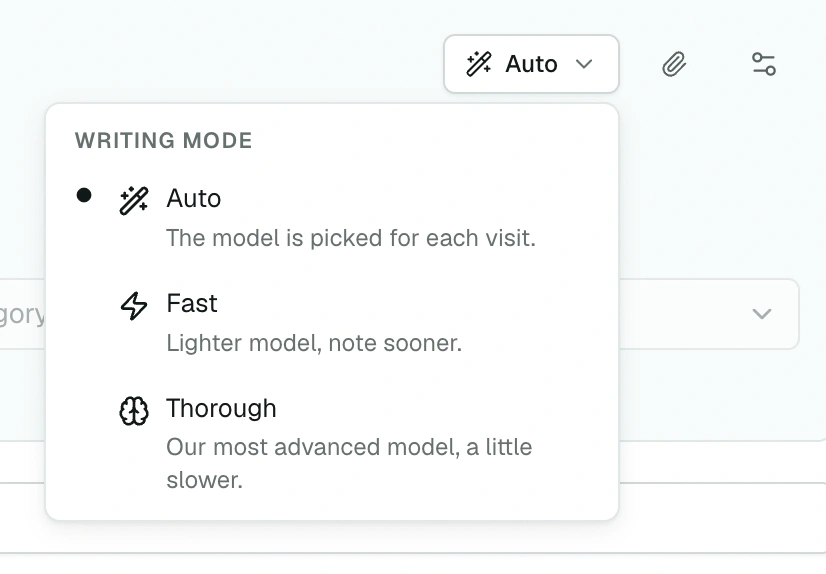
Click the mode button, next to the timer, and choose another mode. The note For this recording only. reminds you of this; Make it my default saves it for the next ones.
Regenerate in another mode
Not happy with a note? Next to Regenerate, the arrow offers Regenerate in fast mode or Regenerate in thorough mode. In a report, the same arrow lets you choose the category and the mode. Each regeneration creates a new version: earlier ones remain available. See Review the note.
Modes and note preferences
The mode chooses the model that writes, not the style of the note. Concision, writing style and abbreviations are set in your note preferences and apply to every mode.